
#.Update (05/24/2017)
I will present at Data and Pintas this June 1 at 7:00 p.m. about the opening of @ManejoAlHombro Data, it would be great if you are interested in hearing about the data and knowledge that we are opening for the use of authorities (or interested parties).
I also suggest that you see the ManejoAlHombro website.
Two months ago I told you about a particular case about an invention made during a weekend called “Manejo Al Hombro”. In this post I told you about a proof of concept that aimed to develop an application that would allow citizens to publicly report traffic events, especially drivers who illegally use their shoulder.
After these two months, in which we even appeared on Television, the application is now public on Android and iOS and we have more than 500 complaints reported in just two months, all public, however there are some things that I would like to share with you about the experience and the process of getting from that proof of concept to a real application.
#.Lesson 1 - Change of Technologies
First, the proof of concept was developed using Sinatra and Titanium. Over the course of time, I decided to switch it to a stack of Godfather and React Native, for multiple reasons.
I switched from Sinatra to Padrino largely because I realized I was redoing everything Padrino already offered internally and with external support. It wasn’t worth continuing to develop something that already existed. I could have used Rails, too, but my intention is to keep the codebase as simple and straightforward as possible.
I switched from Titanium to React Native because I ran into an issue in Titanium at the latest SDK level. I noticed that the Titanium community is almost dead (mostly due to their licensing changes, which recently changed back to free), after waiting several days for a response. A shame. The change to React Native was easy, in a few days I had the same thing as the conceptual proof, but in React Native.
I made other changes at the base technologies level:
- We changed from DataMapper to ActiveRecord, the first one seems like a dead project honestly.
- We changed from my own visual components to using NativeBase, the truth is I had no time or intention to start playing with the components.
- We implemented Redis for the cache and queue before inserting the data.
- We implemented RabbitMQ as a Messaging / Queues system.
- All data is processed on parallel servers (Viva Docker) quite quickly.
- All assets, photographs, reports, etc. They are automatically stored in Amazon S3.
- Photographs are compressed and lightly processed so that they weigh less and have a standard size. For this we use ImageMagick.
- There is a complete Continuous Delivery process, both for services and apps. For the apps we implemented Fastlane, a gem.
- At the security level, several necessary adjustments were made. Services are secured with SSL and require a session (data exchanged via JWT).
#.Lesson 2 - Teach the reader (OCR) and detector (doing Machine Learning)
As I mentioned in the other post, OpenALRP already has a good base with which we can develop a plate detector and reader, taking advantage of the fact that the physical composition of the plate is similar to the plate of the United States or Mexico.
Remember that the intention is that the person does not have to key in the offender’s license plate, for this we implemented the system that was completely autonomous.
Initially everything was fine, but I noticed some problems with some characters or letters. Speaking with the good fellow Juan Merlos, better known as @merlos from Panatrans, he told me that he had started the process of taking photographs to train the detector and the reader, but that he had never decided to do so. Juan was very diligent and provided us with hundreds of photographs of already cut plates so we could train the detector and the reader (thank you very much Juan, you saved me dozens of hours).With these photographs I was able to do the reader training, using Tesseract and almost a full day training the reader character by character of the more than 1,000 plates.
The process, described in OpenALPR documentation is similar to the following:
- You load a plate and pass it through the reader.
- The reader gives you the result that he read.
- You go character by character indicating if the result you read is correct. If it is not, you indicate the correct character.
Reader training yields a “map” of characters that will be used by the reader the next time it is his turn to read the plate. This map is used to re-read the plates and compare them with all the plates that have already been read and compares them with the result that was indicated to them.
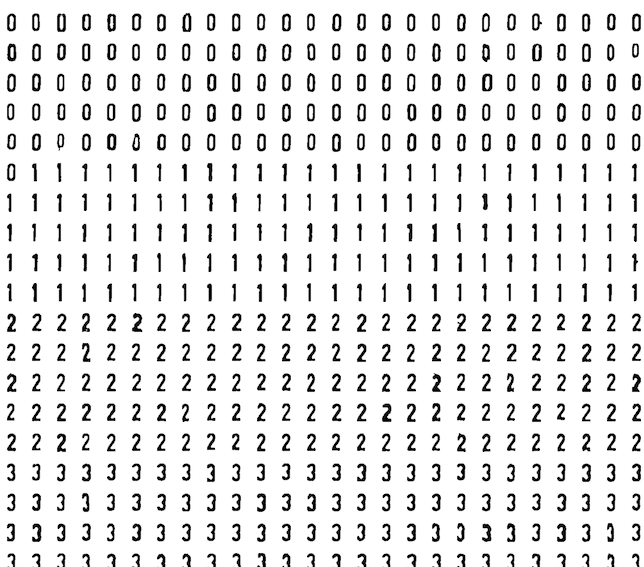
After several passes of the training I was able to go from 83% confidence to 95% confidence. In some cases, the reader incorrectly detects some characters that do not exist (for example when the plate has a protective box) or detects some letters incorrectly. This was common with some letters recurrently (such as A and the number 4), which was resolved after the reader’s training.
I did not need to train the detector, thanks to the fact that the plate is similar in shape to the United States plate (12”x6” and same sizes of letters, spacing and borders).
As I promised from the beginning, all the OCR training code (reader) and result was released on GitHub and is available to anyone who wants to implement a similar reader in their own projects.
#.Lesson 3 - Not all photos are the same
This lesson caused us to spend a couple of weeks testing. I am going to present the problem with photographs to make it easier to explain.
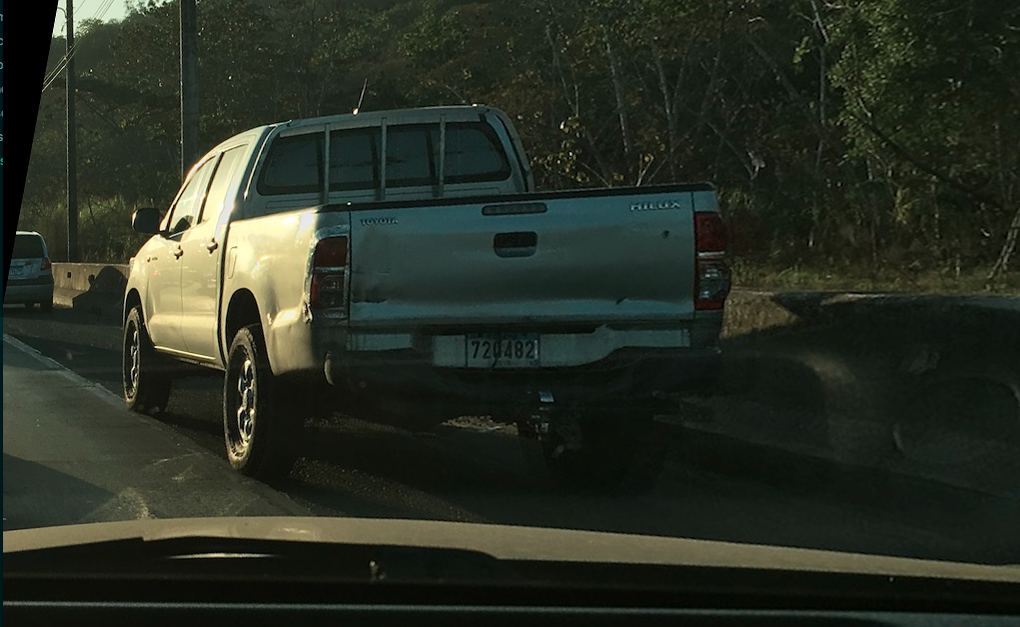
What do you notice is different between these two car photographs?

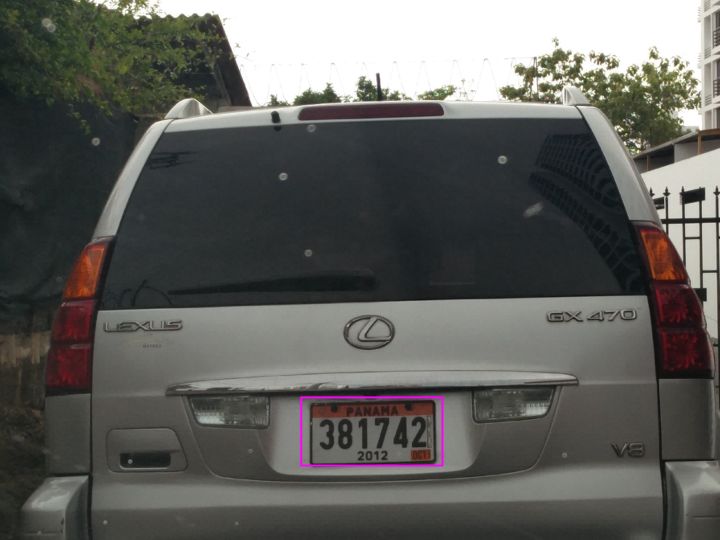
If you notice, the Fig. 2 is taken with the car almost parallel to the vehicle he is driving, while Fig. 3 is taken from behind a vehicle. This is a problem, since the closer/parallel the plate is to the car you are driving, the more it is deformed and the less it looks like a rectangle and the more similar to a rhomboid. The problem is not only detecting the plate, but the more rhomboid the photograph is, the more difficult it is to correctly detect the letters (since they are also deformed).
OpenALPR is designed for a static camera or in a single position, something that would not work for our work. We detected this after a couple of tests on the street.
To solve this we did a simple job, again using a recommendation in the OpenALPR documentation. We made different angle configurations that would allow us to make a skew to the photograph and transform the rhomboid to a rectangle.
That allows a photograph like this:
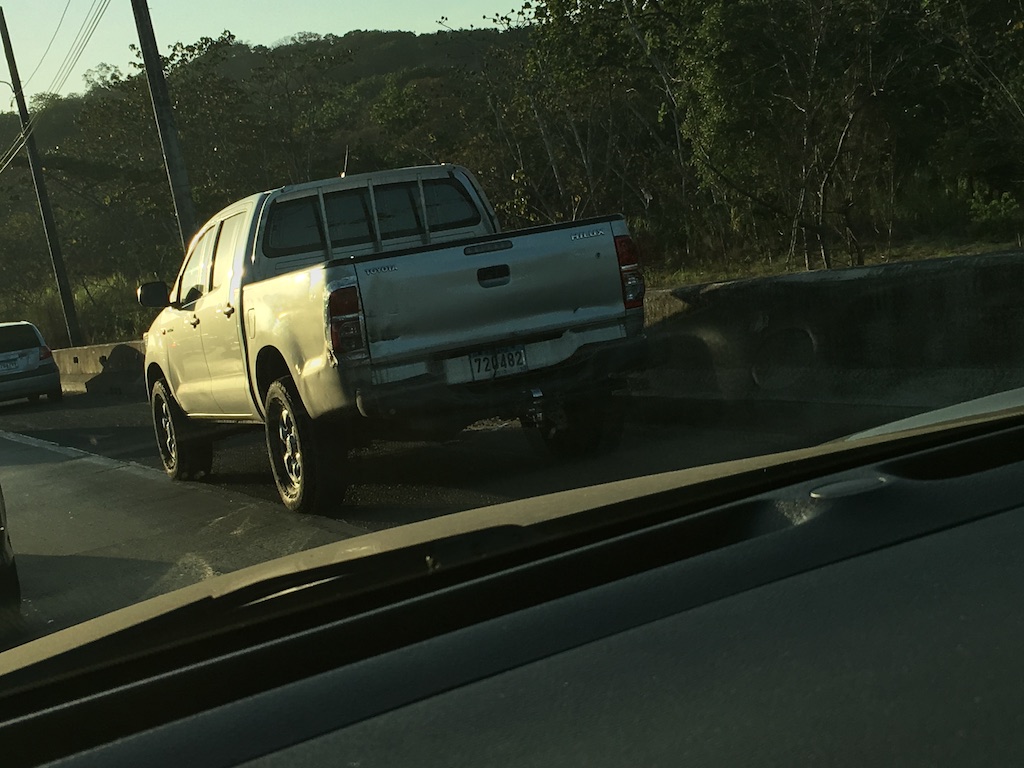
Go through different configurations that convert it to something similar to this:
We notice that it now looks more like a rectangle and therefore detection is more likely. The system now runs the photo through multiple settings and detects the setting that gives the best result. In the previous case, the system went from not detecting any license plate to detecting a license plate with 85% confidence.
#.Lesson 4 - Still a machine
This is perhaps the most important point. Even after so many features and extra work that we developed, we have learned some very interesting things regarding the development of this very interesting project.
One of these things is that the system is still a machine and although we make so many improvements to the system to improve results, there are times when the system can make mistakes. Thanks to the work, the erroneous results were significantly reduced.
There are times in which even with the naked eye it is difficult to read the photograph (for example there are cases where the plates have a dark protective sheet) and the system detected it without problem, while there are cases where the opposite happens: it seems as if it were easy to read and yet the system does not read it or does not detect it.
The more photographs that are fed into the system, the more the system continues to learn, as we are using the photographs and the errors to continue improving the reader and the detector.
#.Extra functionalities created
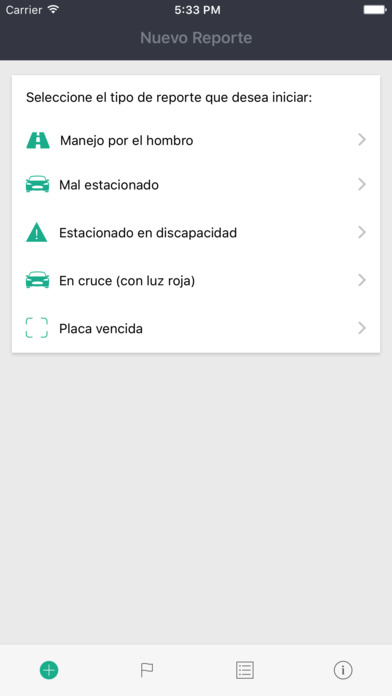
This is my favorite part. Manejo Al Hombro comes with several improvements since that pilot version, some mentioned in Lesson 1 (Technologies):1. We added different types of reports, not just shoulder management.
- We release statistics and Data from the offenders, with the intention of improving the generation of knowledge through this data.
- The application is now available on Android and iOS and we have received more than 500 reports in these months of testing and production. Download it and use it!
- Integration with Twitter was made (only for now) and Transit is mentioned.
- There is a complete management module behind it. The photographs are moderated with an integration we made in Pixmat with Slack. Whenever a report arrives, it sends us a request to publish it on Slack and there we decide whether or not we want to publish it.
- We save the location (GPS) of the reports, as long as it is sent.
- We improved our technology stack by making it much faster and more efficient.
#.Earrings
We have several pending features left in the mobile application that I prefer not to mention in this post and leave them as a surprise in the future for future versions.
At the portal level, we are also going to continue improving the data that we are opening for consumption and the statistics part. For example, I would like to be able to have these same statistics filtered (perhaps by type and time).
I would obviously like to know a little about what you think about this application and what ideas you have. In the end, it is a community and civic project and the application is what it is thanks to its users.